[vc_row][vc_column width=”1/1″][vc_column_text text_lead=”yes” uncode_shortcode_id=”107683″]The DiTwin Platform, available in English and all partners’ languages, offers a unique opportunity to access and use cutting-edge digital twin modules developed through the DiTwin project. Designed to bridge theory and hands-on practice, these modules empower secondary students to master skills critical for the Industry 4.0 era — all through interactive digital simulations.[/vc_column_text][/vc_column][/vc_row][vc_row][vc_column width=”1/1″][vc_gallery el_id=”gallery-189680″ medias=”89592,89593,89594″ gutter_size=”3″ screen_lg=”1000″ screen_md=”600″ screen_sm=”480″ single_overlay_opacity=”50″ single_padding=”2″ uncode_shortcode_id=”140427″][/vc_column][/vc_row][vc_row][vc_column width=”1/1″][vc_custom_heading uncode_shortcode_id=”201265″]Choose Your Module and Get Started[/vc_custom_heading][/vc_column][/vc_row][vc_row][vc_column width=”1/1″][vc_column_text text_lead=”yes” uncode_shortcode_id=”174638″]The platform features three specialized modules, each targeting key technical skills for modern manufacturing and automation:[/vc_column_text][/vc_column][/vc_row][vc_row][vc_column width=”1/1″][vc_custom_heading uncode_shortcode_id=”522704″]Additive Manufacturing Technician[/vc_custom_heading][/vc_column][/vc_row][vc_row][vc_column width=”1/1″][vc_column_text text_lead=”yes” uncode_shortcode_id=”134488″]This module introduces the fundamentals of additive manufacturing, presenting the main 3D printing systems and how they operate. Students are guided through the entire process — from file preparation to printing — building operational skills for managing files and executing essential tasks on 3D printing systems.
By the end, learners will confidently handle basic functions and effectively manage files for additive production.[/vc_column_text][/vc_column][/vc_row][vc_row][vc_column width=”1/1″][vc_custom_heading uncode_shortcode_id=”410638″]Automation Technician for Industry 4.0[/vc_custom_heading][/vc_column][/vc_row][vc_row][vc_column width=”1/1″][vc_column_text text_lead=”yes” uncode_shortcode_id=”133993″]Offering an introductory yet comprehensive overview of Industry 4.0, this module delves into the workings of automated machines, plants, and production systems. Covering mechatronics, automation, robotics, and electrical engineering basics, it places special emphasis on pneumatics, hydraulics, and PLC operations.
Students develop practical skills to monitor and install automated systems, preparing them to work in advanced industrial environments.[/vc_column_text][/vc_column][/vc_row][vc_row][vc_column width=”1/1″][vc_custom_heading uncode_shortcode_id=”539766″]Robotic Machines Technician for Industry 4.0[/vc_custom_heading][/vc_column][/vc_row][vc_row][vc_column width=”1/1″][vc_column_text text_lead=”yes” uncode_shortcode_id=”155668″]This module equips students with essential skills to program and operate industrial robotic arms. It covers the configuration, monitoring, and troubleshooting of robotic systems, with a particular focus on safety protocols and risk detection during robot operation.[/vc_column_text][/vc_column][/vc_row][vc_row][vc_column width=”1/1″][vc_custom_heading uncode_shortcode_id=”350465″]How to Book Your Training Session[/vc_custom_heading][/vc_column][/vc_row][vc_row][vc_column width=”1/1″][vc_column_text text_lead=”yes” uncode_shortcode_id=”127706″]
Getting started with DiTwin is straightforward. Follow these steps to reserve your spot:
-
Fill Out the Booking Form
Visit the modules section and complete the booking form, providing all requested details and your preferred training period. -
Receive a Confirmation Email
The team managing the physical labs (University of Malaga and Digital Smart) will contact you to finalize:-
The lessons you want to attend
-
The training dates
-
How the specific system works
-
Technical details to access DiTwin
-
-
Prepare Your Communication Tools
For your training session, you’ll join an online meeting to coordinate with staff. Additionally, you’ll use the free remote desktop app AnyDesk to control the system remotely. -
Attend Your Training Session
With the physical lab set up by the staff, you’re ready to dive into your practical session and gain hands-on experience.
[/vc_column_text][/vc_column][/vc_row][vc_row][vc_column width=”1/1″][vc_column_text text_lead=”yes” uncode_shortcode_id=”117880″]To access the Platform, click here.
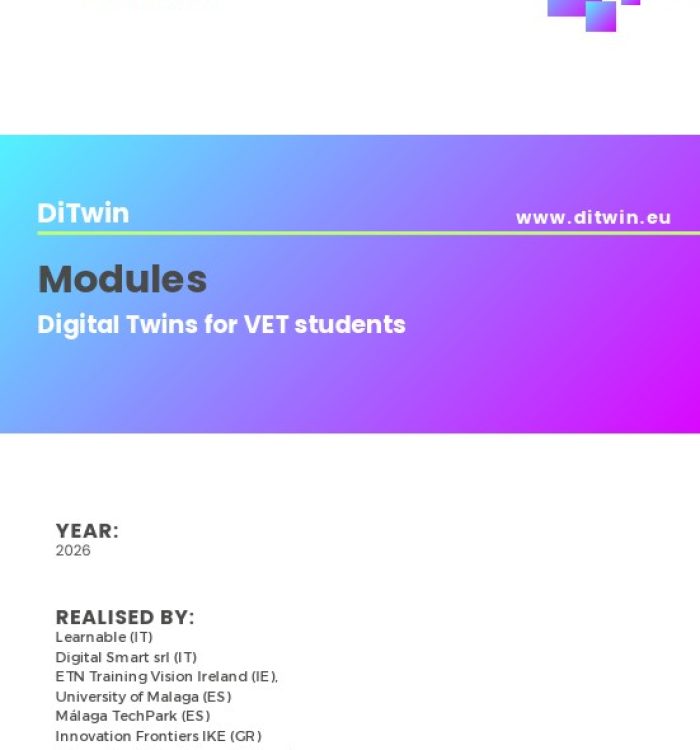
To learn more about the system and available modules, download the comprehensive DiTwin Modules Description.[/vc_column_text][/vc_column][/vc_row]